KeePass · iPhone

A KeePass vault that's at home on iPhone.

A local-first KeePass vault for iPhone — with free YubiKey NFC unlock, Face ID, and reliable AutoFill.
Free to download No account iOS 18+
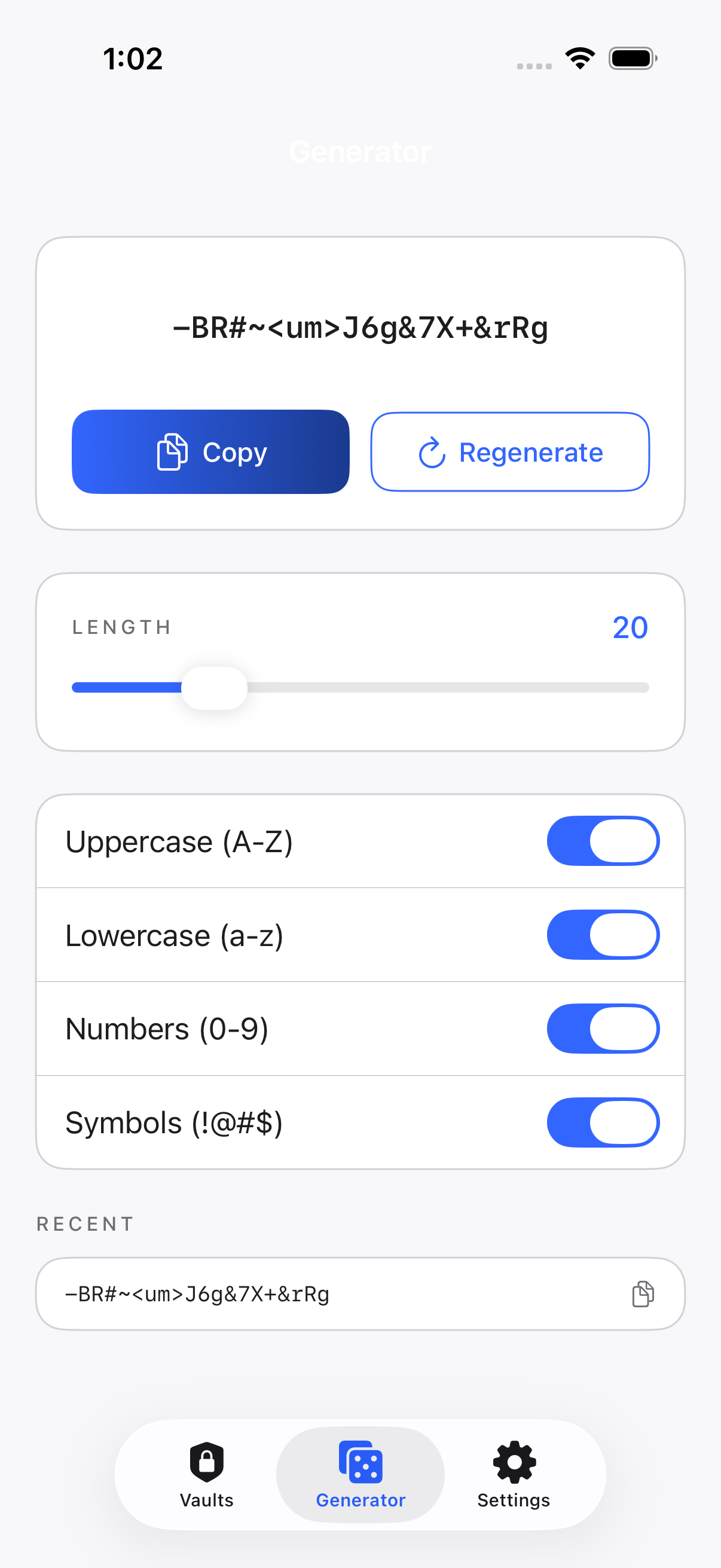
Password generator
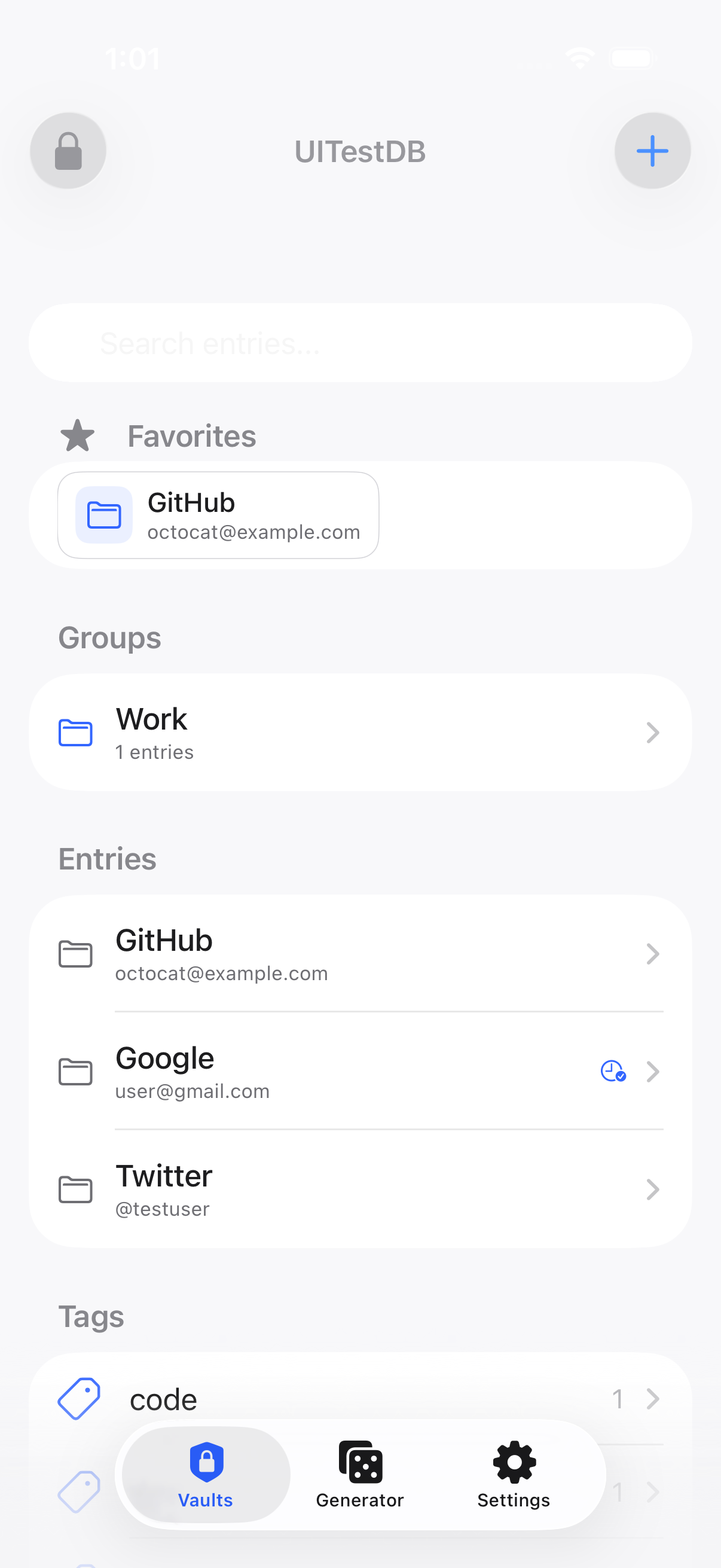
Kakuremi vault
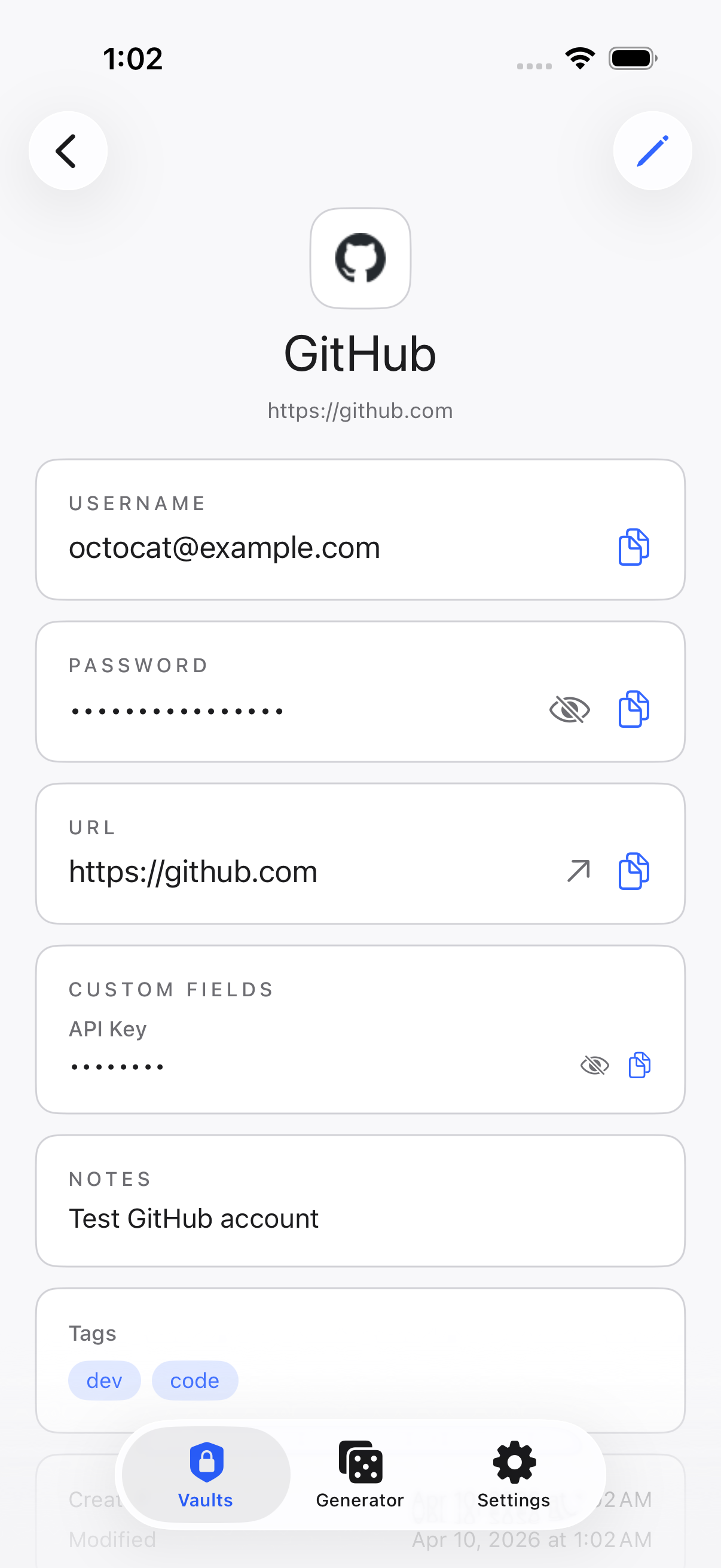
Entry detail
Opens the databases you already trust
KeePassXC KeePass2 KDBX 3 / 4 Rust engine
Your vault

Your vault, a tap away.

Favorites, groups, entries and tags — organized exactly like your KeePass database, with a native iOS interface.
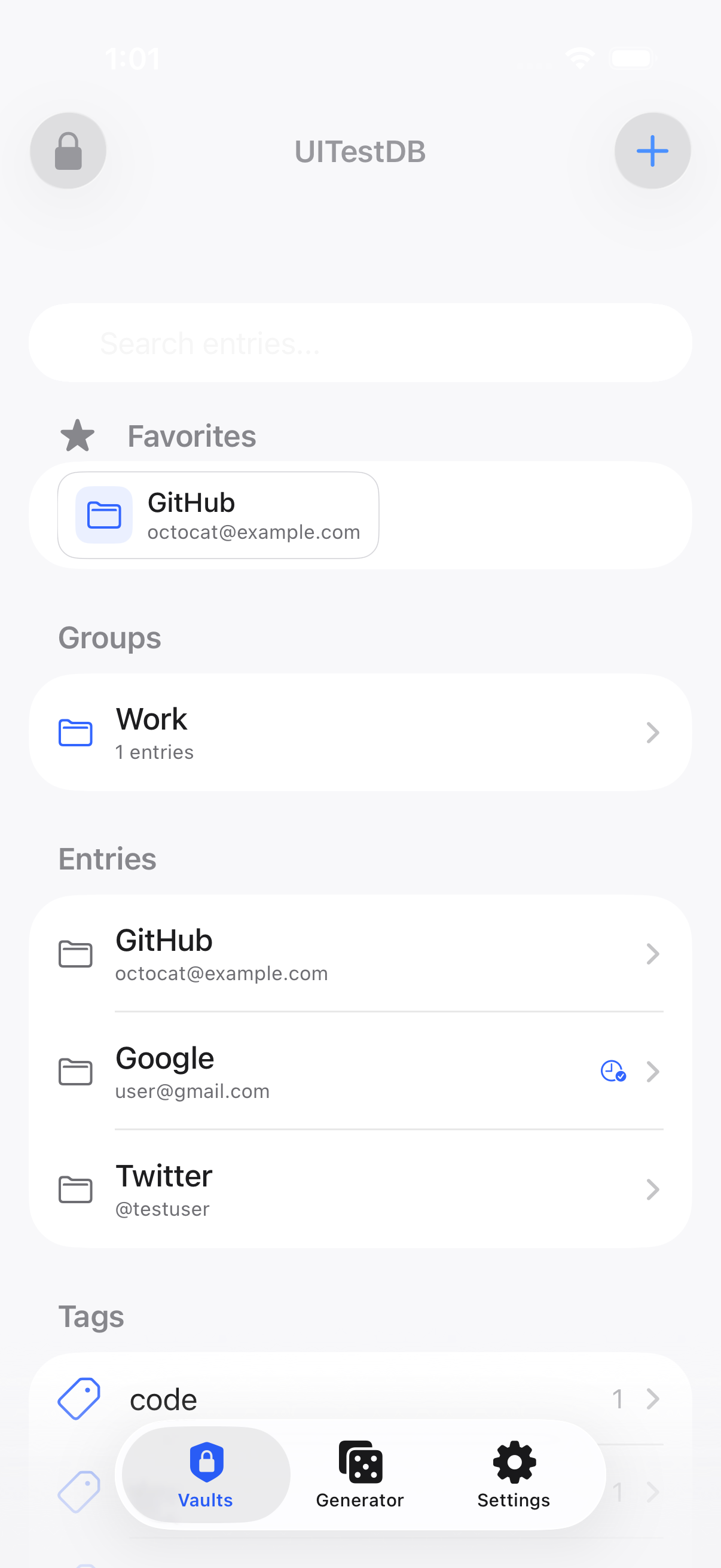
  • Instant full-text search across every entry
  • Favorites and tags for your frequent logins
  • Open multiple databases side by side (Pro)
Vault browser
Every detail

Copy, reveal, and fill in a tap.

Username, password, URL, custom fields and TOTP, each a tap from the clipboard. Passwords stay hidden until you ask.
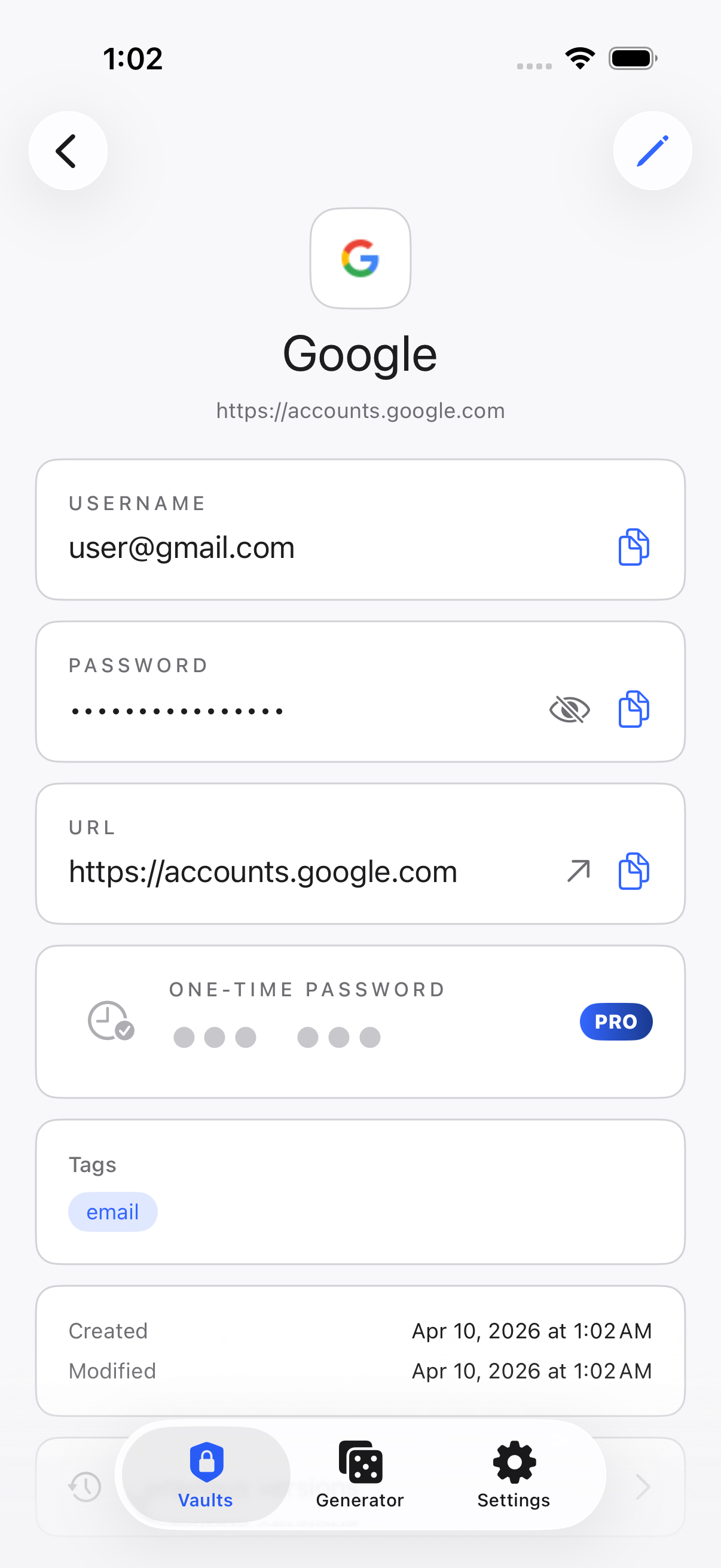
  • One-tap copy with auto-clearing clipboard
  • Built-in TOTP codes, no second app
  • Reliable AutoFill in Safari and apps
Entry detail with TOTP
Strong by default

Generate strong passwords.

Set length and character sets, watch strength update live, and save straight to your vault — with recent generations a tap away.

  • Length 8–64, with character-set options
  • Copy or regenerate in a single tap
  • Light, Dark and a warm (washi-inspired) theme
Password generator
YubiKey

YubiKey 5 NFC. Free, forever.

Already own a YubiKey 5 or NEO? Unlock your KDBX vault with HMAC-SHA1 Challenge-Response over NFC — free, with no subscription or feature gate. Kakuremi works fully without any YubiKey, too. (Challenge-Response only — not FIDO2/passkeys.)

Download on the App Store
Listed in Yubico’s Works with YubiKey catalog
Kakuremi
YubiKey NFCFree
Rust core engineYes
Online featuresOff by default
Also included

The essentials.

Face ID & Touch ID

Biometric unlock, with your master password held in the Secure Enclave.

No tracking

Zero analytics, zero telemetry, no cloud account.

EN · JA · ZH

Fully localized in English, Japanese and Simplified Chinese.

Pricing

Free for one vault. Pro for more.

One KDBX vault — create, edit, AutoFill, YubiKey — is free. Pro adds multiple databases, file attachments, and live TOTP codes, with a one-month free trial on the yearly plan for new subscribers.

Free
$0
Forever. One full-featured vault.
  • One KDBX vault — create & edit
  • Free YubiKey 5 NFC unlock
  • AutoFill, Face ID & generator
  • Store TOTP secrets
Download Free
Yearly: 1 month free
Pro
$14.99/yr
$2.99/mo · $49.99 lifetime
✓ Yearly plan: first month free for new subscribers
  • Everything in Free
  • Multiple databases (more than one)
  • Add & manage file attachments
  • View & copy live TOTP codes
Get Kakuremi Pro
No app account, and no data on our servers. Manage or cancel Pro through your Apple ID subscriptions.
Questions

Common questions.

Yes. One KDBX vault — create, edit, organize, AutoFill, Face ID, YubiKey 5 NFC unlock, and TOTP storage — is all free. Pro ($2.99/mo or $49.99 lifetime) adds multiple databases, file attachments, and live TOTP codes.
Yes. KDBX 3.x and 4.x are supported — import from iCloud Drive, Files or any provider. Full compatibility with KeePassXC, KeePass2, and any standard-compliant KeePass client.
Your vault is encrypted with AES-256 or ChaCha20 (KDBX 4). Decrypted data lives only in memory and is zeroed on lock. Vault data is never transmitted; optional online features are off by default. The core engine is Rust.
Yes — opening and using your vault never needs the internet. The only network features (site icons, breach-check) are optional and off by default. Sync runs through your own iCloud Drive.
Kakuremi

Get started with Kakuremi.

Download Kakuremi free — YubiKey NFC unlock included.

Download on the App Store
Free to download · No account · No telemetry · Requires iOS 18.0+