 Kakuremi
Getting Started with Kakuremi
Kakuremi is a local-first, KeePass-compatible password manager for iPhone. There is no account and no sign-up; your passwords live in a standard encrypted .kdbx file that you own. This guide walks through the first launch and the basics of the app.
First launch and onboarding
When you open Kakuremi for the first time, you see a 6-page onboarding carousel. It is informational only: it requests no permissions and creates no database. The carousel appears once per install, so you will not see it again on later launches.
The Vaults screen
After onboarding you land on the empty Vaults screen. This is where your databases and their entries live. Your first action is to create a new database or open an existing .kdbx file. Both flows are covered in Create and Open a Database.
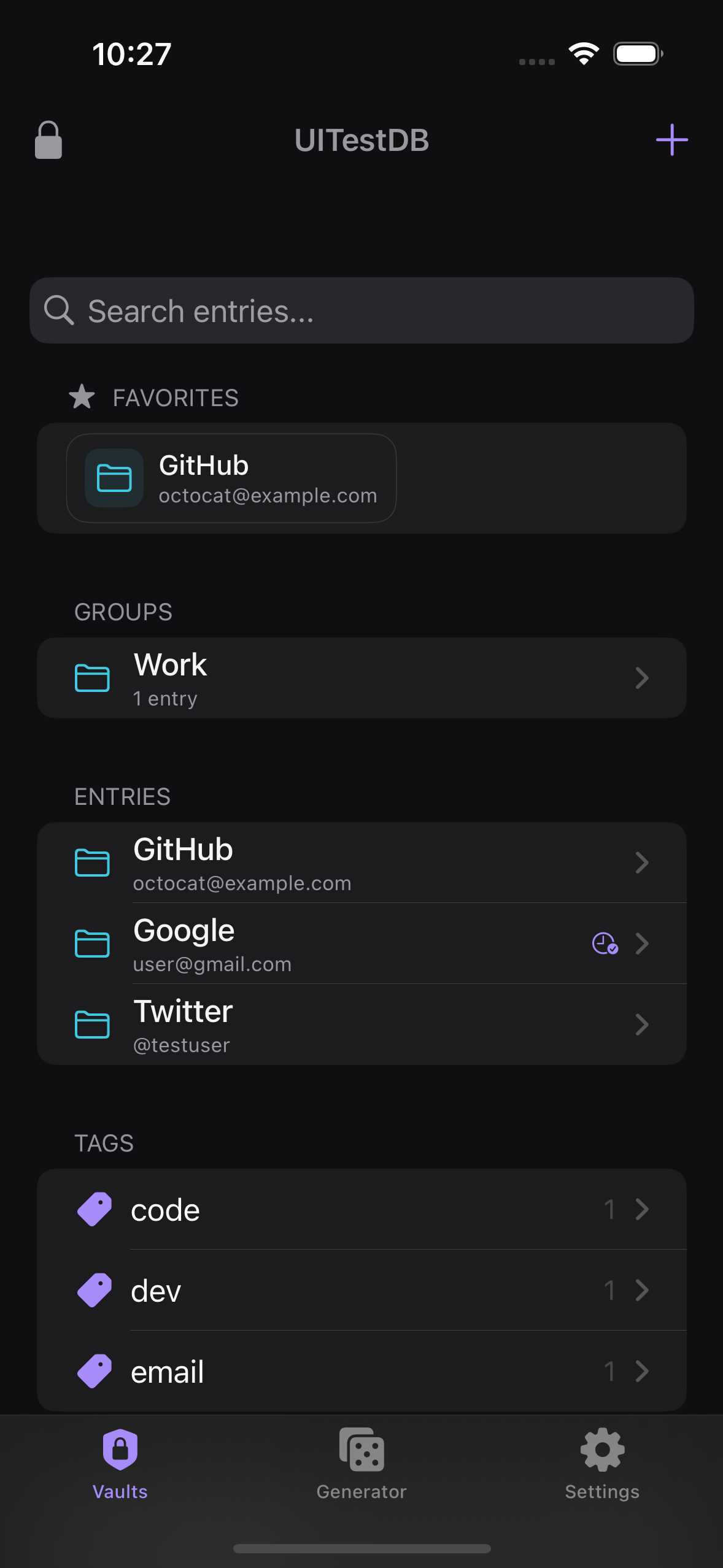
The three tabs
The app is organized into three tabs along the bottom. Vaults holds your databases and entries. Generator is the password generator. Settings is where you adjust app preferences and optional features.
What is free and what is Pro
The free tier includes one database, unlimited entries and groups, full editing, search, the Recycle Bin, templates, the password generator, Face ID, YubiKey, themes, breach check, and website icons.
Pro unlocks a second or additional database, adding file attachments, and automatic encrypted backups with restore.
Create New Database and Open from Files open the Paywall, where you can also use Restore Purchases.Everything works offline
Kakuremi is local-first. Your data stays in the .kdbx file you control, and nothing is uploaded by default. Two optional features make outbound network requests only when you turn them on: website icons and breach check. You can enable or disable both in Settings.