 Kakuremi
Recycle Bin
In Kakuremi, deleting an entry does not erase it right away. It moves to the database's Recycle Bin, where you can restore it to a group of your choosing or remove it for good.
Deleting is a soft delete
When you delete an entry, Kakuremi does not remove it immediately. It moves the item to the database's Recycle Bin, the standard KeePass Recycle Bin held inside your .kdbx file. The item stays there until you restore it or remove it permanently, so an accidental deletion is recoverable.
Open the Recycle Bin
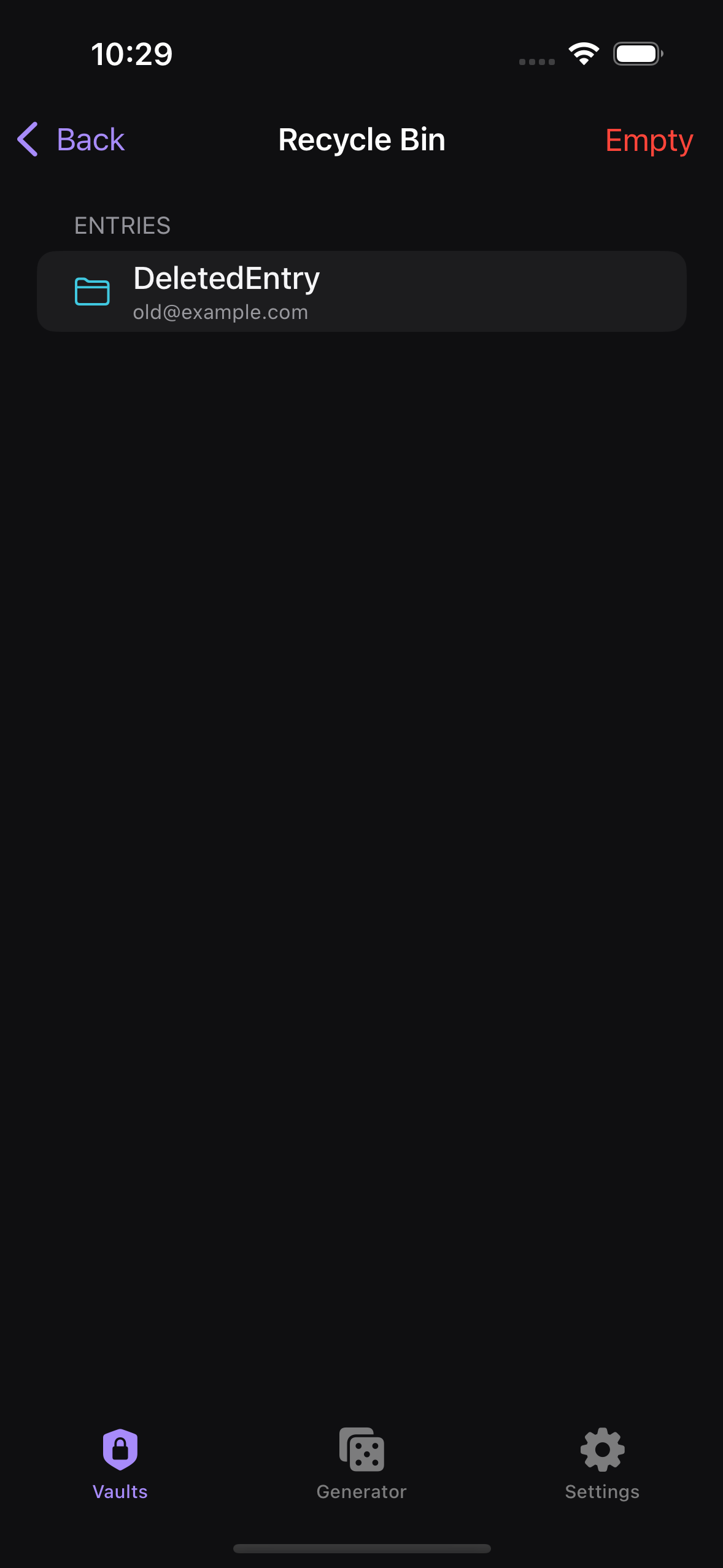
In the browser, look for the red Recycle Bin row and tap it to see everything you have deleted. Trashed items are kept out of your way elsewhere: they are excluded from search, tag filters, AutoFill, and CSV export, so a deleted entry will not surface in those places while it sits in the bin.
Restore an item
Tap an item in the Recycle Bin and choose Restore. Kakuremi opens a Restore to... picker so you can choose which group the item returns to. Items are not sent back to their original location automatically, so pick the destination group you want before confirming.
Remove items permanently
To delete a single item for good, swipe it from the trailing edge in the Recycle Bin. To clear everything at once, use Empty, which permanently deletes the entire contents of the bin.