 Kakuremi
Breach Check
Breach Check tells you whether an entry's password has appeared in a known data breach. It is free, off by default, and built to check without sending your password off the device.
What Breach Check does
Breach Check compares an entry's password against a service of known data breaches and tells you if it has been exposed. It is a free feature, and it is off by default. When it is off, no lookups happen and nothing is sent anywhere.
Turn it on
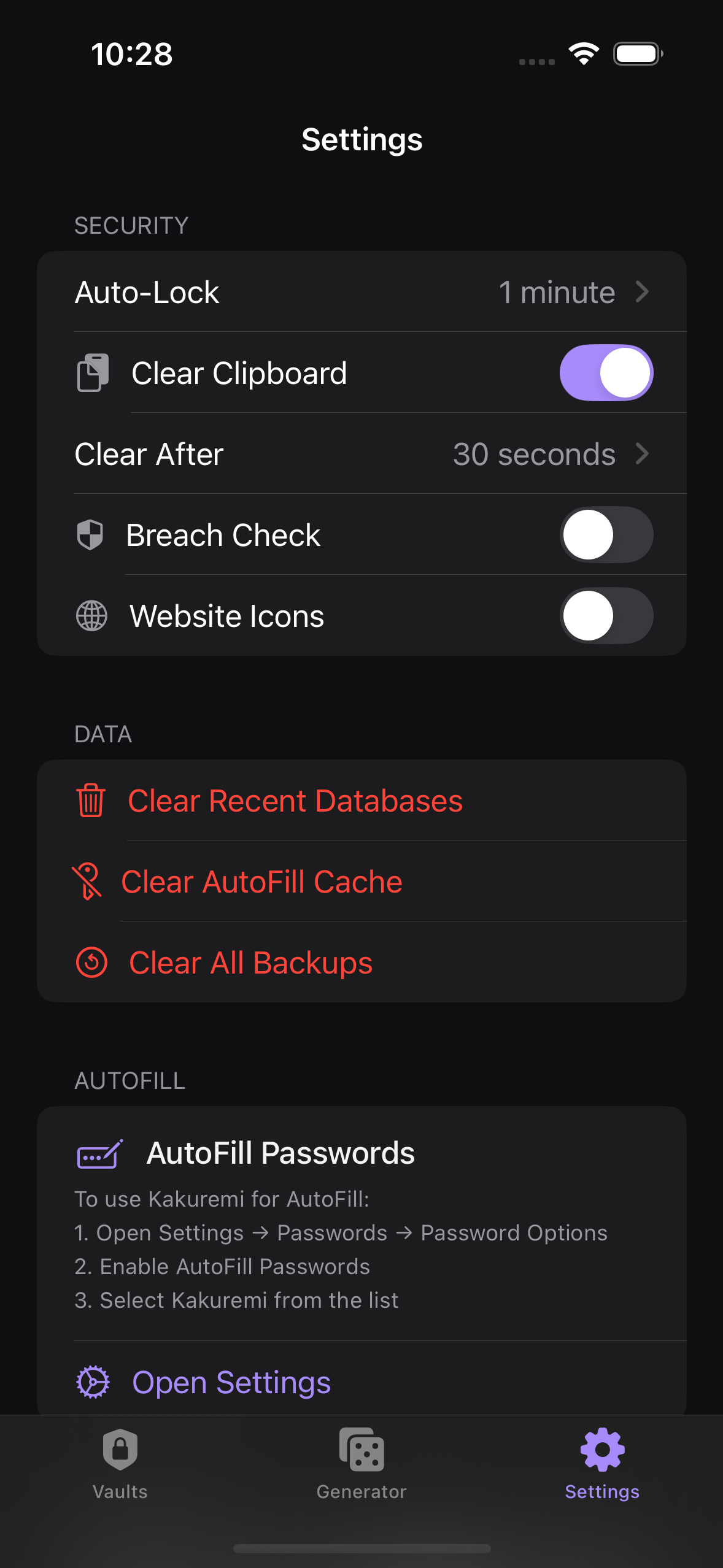
Open Settings, go to Security, and toggle Breach Check on. The setting applies to entries as you open them; there is no separate scan to start.
When the check runs
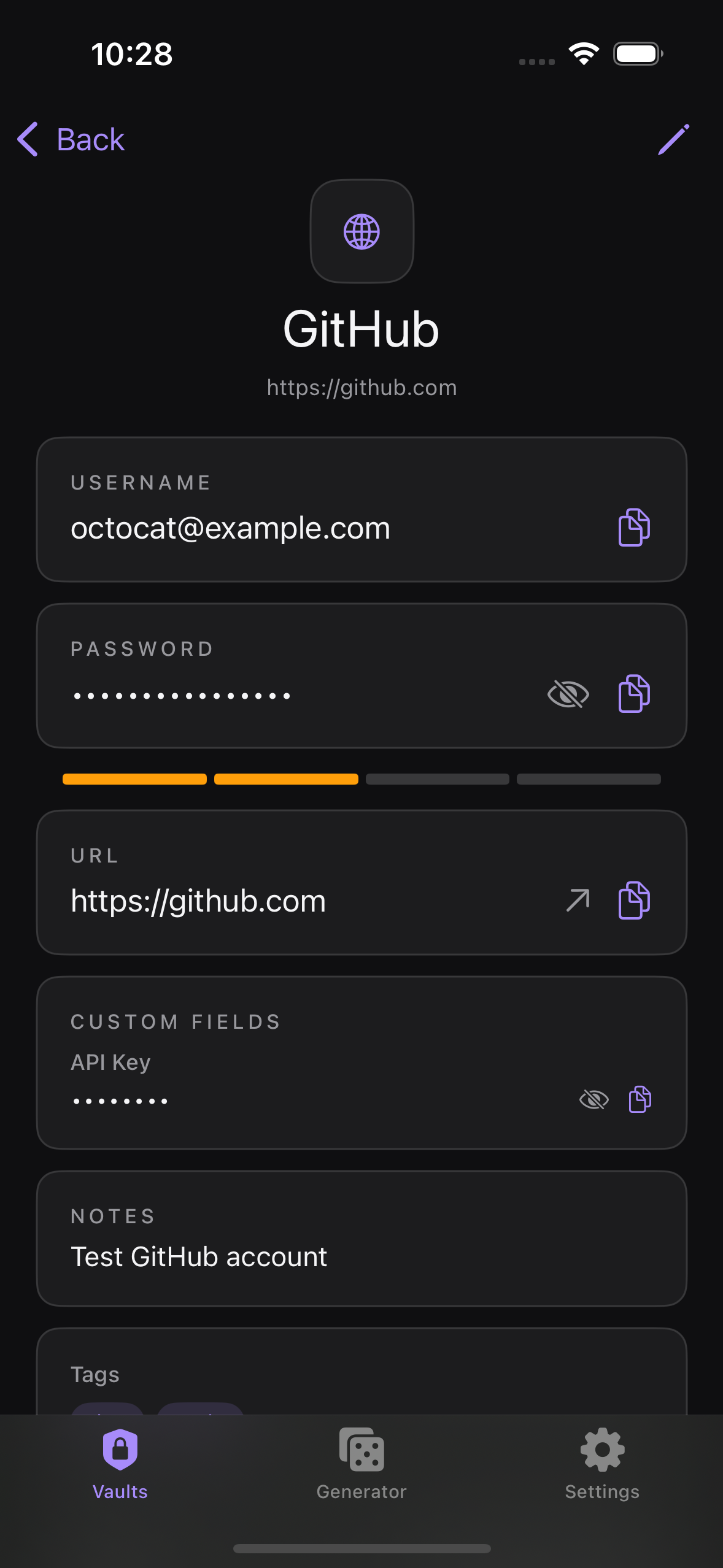
The check is per-entry and lazy: it runs only when you open an entry's detail screen, not in the background and not across your whole database at once. Opening an entry while Breach Check is enabled triggers a single lookup for that entry's password.
How your password stays private
The lookup uses k-anonymity. Kakuremi computes the SHA-1 hash of the password and sends only the first 5 characters of that hash to the breach service. The password itself, and its full hash, never leave your device. The service returns a range of candidates, and the match is confirmed locally.
Reading a result
If a match is found, the entry shows a red warning card and its strength bar is forced to weak, recommending that you change the password. A match means the password has appeared in a breach somewhere, not that this specific account was compromised; either way, choosing a new, unique password is the right response.
Network behavior
When enabled, Breach Check is network-only: it needs a connection to perform a lookup. If a lookup fails, for example when you are offline, it stays silent rather than showing a warning, so a failed check is never mistaken for a breach.